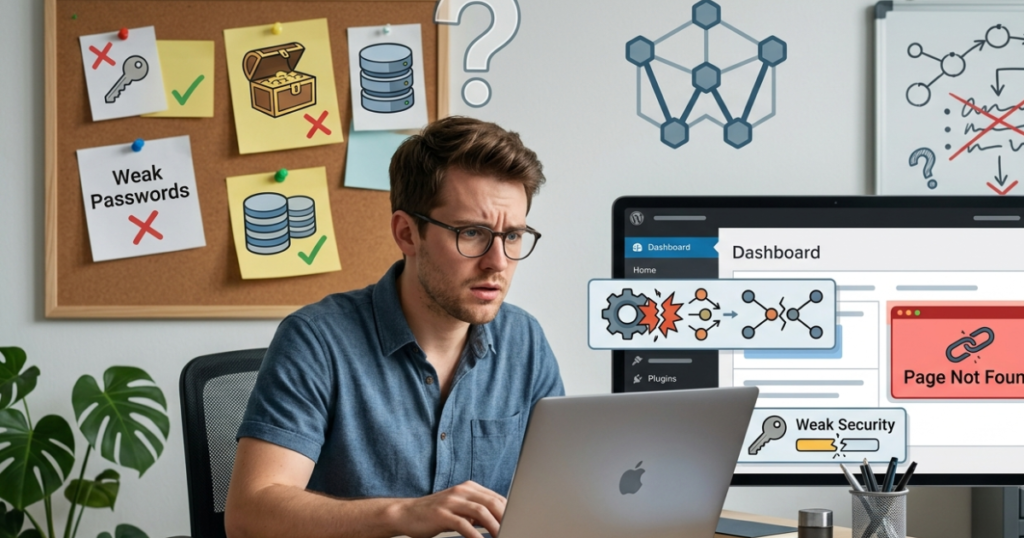
WordPress is one of the easiest and most powerful platforms for building websites, but beginners often make simple mistakes that can affect performance, security, and user experience. While these mistakes are common, they are also easy to avoid with the right knowledge.
In this guide, you’ll discover the most common WordPress mistakes beginners make and learn practical tips to build a faster, more secure, and professional website.
Why Do Beginners Make WordPress Mistakes?
Many beginners are excited to start building their websites but may not fully understand WordPress best practices. Installing too many plugins, ignoring updates, or choosing poor hosting are common examples that can lead to long-term problems.
Learning these mistakes early can help you save time, improve website performance, and avoid costly issues in the future.
10 Common WordPress Mistakes Beginners Should Avoid
| Common Mistake | Why It’s a Problem | Better Practice |
|---|---|---|
| Using weak passwords | Makes your website vulnerable to hacking attempts. | Use strong passwords and enable two-factor authentication (2FA). |
| Ignoring WordPress updates | Outdated software may contain security vulnerabilities. | Keep WordPress, themes, and plugins updated. |
| Installing too many plugins | Can slow down your website and cause conflicts. | Only install trusted plugins that provide real value. |
| Choosing poor web hosting | Affects speed, uptime, and security. | Select a reliable WordPress hosting provider. |
| Not backing up your website | Makes recovery difficult if something goes wrong. | Schedule automatic backups regularly. |
| Uploading large images | Slows page loading speed. | Compress and optimize images before uploading. |
| Using nulled themes or plugins | May contain malware or malicious code. | Download only from trusted developers or the official WordPress directories. |
| Ignoring SEO basics | Reduces your chances of appearing in search results. | Optimize titles, meta descriptions, and image alt text. |
| Forgetting mobile optimization | Creates a poor experience for mobile visitors. | Use responsive themes and test your website on multiple devices. |
| Leaving unused themes and plugins installed | Increases security risks and unnecessary storage usage. | Remove themes and plugins you no longer use. |
Why Avoiding These Mistakes Matters
Small mistakes may seem harmless at first, but over time they can impact your website’s success.
By following WordPress best practices, you can:
- Improve website security.
- Increase loading speed.
- Provide a better user experience.
- Improve SEO performance.
- Reduce maintenance issues.
- Build a more professional online presence.
Best Practices for WordPress Beginners
Follow these simple habits to keep your WordPress website running smoothly:
- Keep WordPress, themes, and plugins updated.
- Use strong passwords for every account.
- Install plugins only from trusted developers.
- Back up your website regularly.
- Optimize images before uploading.
- Test your website on multiple screen sizes.
- Remove unused plugins and themes.
- Monitor your website’s speed and security regularly.
Helpful Tools for Managing Your WordPress Website
Several tools can make managing your website easier:
- Backup Tools – Protect your website with scheduled backups.
- Security Tools – Monitor threats and strengthen login protection.
- SEO Tools – Improve your website’s visibility in search engines.
- Image Optimization Tools – Compress images for faster loading.
- Caching Tools – Improve website speed and performance.
Choosing reliable tools helps you maintain a secure and efficient website without unnecessary complexity.
Frequently Asked Questions (FAQ)
1. What is the most common mistake beginners make in WordPress?
One of the most common mistakes is ignoring updates. Keeping WordPress, themes, and plugins updated helps improve security, compatibility, and overall website performance.
2. Can too many plugins slow down my website?
Yes. Installing too many plugins, especially poorly coded or unnecessary ones, can affect your website’s speed and lead to compatibility issues. Use only trusted plugins that provide real value.
3. Why are regular backups important?
Backups allow you to restore your website if you experience data loss, malware attacks, or accidental changes. Scheduling automatic backups is one of the best ways to protect your website.
4. Is it safe to use free WordPress themes and plugins?
Yes, as long as they come from trusted developers or the official WordPress Theme and Plugin Directories. Avoid downloading nulled or pirated versions from unofficial websites.
5. How can I improve my WordPress website as a beginner?
Start by using a reliable hosting provider, keeping everything updated, optimizing your images, choosing trusted themes and plugins, using strong passwords, and regularly testing your website on desktop and mobile devices.
Final Thoughts
Every beginner makes mistakes when learning WordPress, but understanding the most common ones can save you time, improve your website’s performance, and strengthen its security.
Focus on keeping your website updated, using trusted plugins and themes, optimizing images, and performing regular backups. These simple habits will help you build a professional website that performs well and provides a great experience for your visitors.