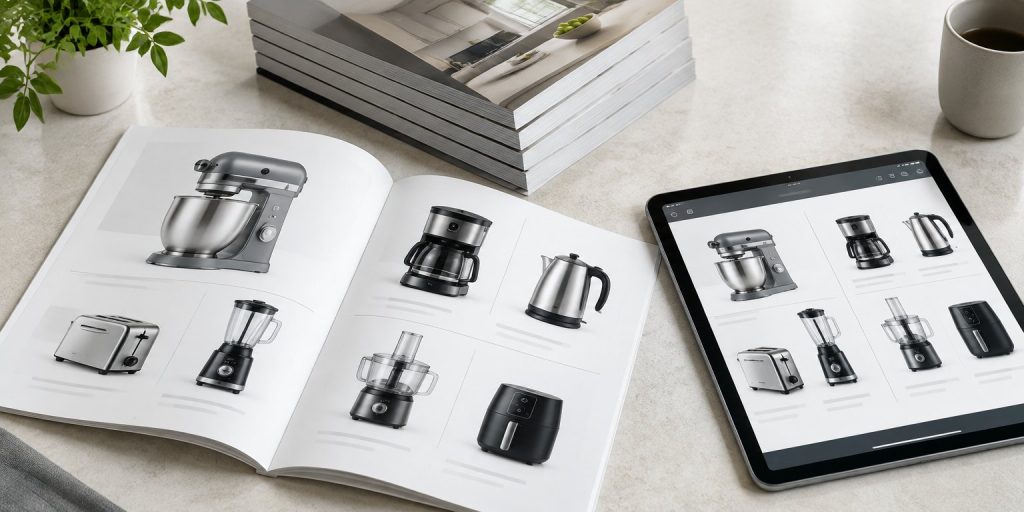
A product catalogue helps buyers find the right item, check the details and contact you to order. To make one, you decide who it is for, collect accurate product data, plan the page layout, and then prepare files for print, PDF or both.
The format question comes first, because it changes how you design everything else.
Print, PDF or both?
| Printed catalogue | Digital PDF catalogue | |
|---|---|---|
| Best for | Trade shows, showrooms, sales visits, dealers | Email, WhatsApp, website downloads |
| Cost per copy | Printing and delivery for every copy | Almost zero after design |
| Updating prices | Needs a reprint | Edit and resend |
| Clickable links | No (use QR codes) | Yes |
| File size limit | None | Keep small enough to send, often under 10 MB |
Many Malaysian businesses now print a short run for events and dealers, and send the PDF to everyone else. If you plan both, design at print quality first and export a lighter PDF from the same file.
Step 1: Decide who the catalogue is for
A catalogue for retail customers looks different from one for contractors or distributors. Retail buyers want photos and simple benefits. Trade buyers want model numbers, sizes, materials, packing quantities and lead times.
Write down your main reader and what they must find in under a minute.
Step 2: Collect clean product data
This is the slowest step and the one most often rushed. For every product, gather:
- Product name and model or SKU number
- A clear photo on a plain background
- Size, weight, material and colour options
- Key specifications (power, capacity, certifications if any)
- Packing details, such as units per carton
- Price, if you plan to show it
Put everything in one spreadsheet before design starts. It is much cheaper to fix a wrong number in a spreadsheet than in a finished layout.
Step 3: Plan the structure
A simple structure works for most catalogues:
- Cover with your logo and catalogue name
- Short introduction to your company
- Contents page
- Product sections, grouped by category
- Ordering information, warranty and terms
- Contact details and a map or QR code
Group products the way customers search for them, not the way your warehouse stores them.
Step 4: Design each product page
Each product listing needs the same order of information on every page, so readers learn where to look. A typical order is photo, name, model number, three to five key points, specifications table and price or “request a quote”.
Leave enough white space around each item. A crowded page looks cheap and is hard to scan.
Step 5: Should you show prices?
Showing prices saves the buyer a step and can shorten the sales cycle. The risk is that printed prices go out of date. Common solutions are:
- Print the catalogue without prices and send a separate price list
- Show prices only in the PDF, which you can update
- Show a “from” price for each range
Step 6: Prepare the files
For printed catalogues, most printers ask for:
- A print-ready PDF in CMYK colour
- Images at 300 dpi at the size they will print
- 3 mm bleed on every edge
- Page count in multiples of four for saddle-stitched (stapled) books
For digital PDFs, compress images, add clickable links to your website and WhatsApp, and test the file on a phone before you send it.
Can ChatGPT or Canva make a catalogue?
They can help. ChatGPT can turn rough notes into short product descriptions, and Canva has catalogue templates that are fine for a small range. The limits show with larger ranges: keeping specifications consistent across 100 products, matching your brand, and producing correct print files. That is where a designer saves time and reprint costs.
Common mistakes
- Different photo styles on different pages
- Missing model numbers, so customers cannot order the right item
- Prices printed in a catalogue meant to last two years
- A PDF too large to attach to an email
- No clear way to order or contact you
If you are also refreshing your company profile, the same planning steps apply (see our company profile template), and our company profile design team can produce both documents in one brand style. For a catalogue designed for both print and digital use, see our catalogue design service.
Frequently Asked Questions
How many pages should a product catalogue have?
It depends on your range. Small ranges fit in 8 to 16 pages. For printed stapled catalogues, keep the page count in multiples of four.
What size is best for a product catalogue?
A4 is the most common size in Malaysia because it fits standard files and folders. A5 is easier to carry and cheaper to post, but fits less on each page.
What file format do printers need for a catalogue?
Most printers ask for a print-ready PDF in CMYK colour, with 300 dpi images and 3 mm bleed on every edge.
Should a catalogue include prices?
It can, but printed prices go out of date. Many businesses print without prices and send a separate price list or show prices only in the PDF.
How do I make a digital catalogue smaller to email?
Compress the images when exporting the PDF, avoid very large photos, and test the final size. Many teams aim for under 10 MB so it can be sent by email or WhatsApp.